Sonos Wired vs Wireless: Which is Better for Naples Homes?
Overview
The most common question we get from Naples customers considering a Sonos system: should I set up my Sonos wired or wireless? The answer depends on your home size, WiFi health, zone count, and whether you're okay with occasional dropouts. Here's how we honestly recommend to Naples homeowners across Port Royal, Pelican Bay, Aqualane Shores, and every Collier County community.
Wireless (WiFi mesh) — the default Sonos setup: every Sonos speaker connects directly to your home WiFi. Simple to set up, no ethernet cables needed, and works fine for 1-4 zone homes with strong WiFi. This is what 80% of Sonos DIY installs use, and it works — until it doesn't. Common failure modes we see in Naples: dual-band conflicts on consumer routers, Sonos zones dropping when the WiFi channel changes automatically, streaming quality degrading during peak evening hours, and the classic 'kitchen zone works but master bedroom cuts out.'
Wired (SonosNet) — the pro install: at least one Sonos speaker (typically the one nearest your router) connects via ethernet. That speaker becomes the SonosNet backbone, and all other Sonos devices form a dedicated wireless mesh on the reserved SonosNet channel — completely separate from your home WiFi. Result: zero interference with your WiFi, rock-solid multi-room sync (all zones stay lockstep to within milliseconds), and no impact on your home WiFi from Sonos traffic. This is what we install for 5+ zone homes and every Naples estate we touch.
Network and coverage considerations
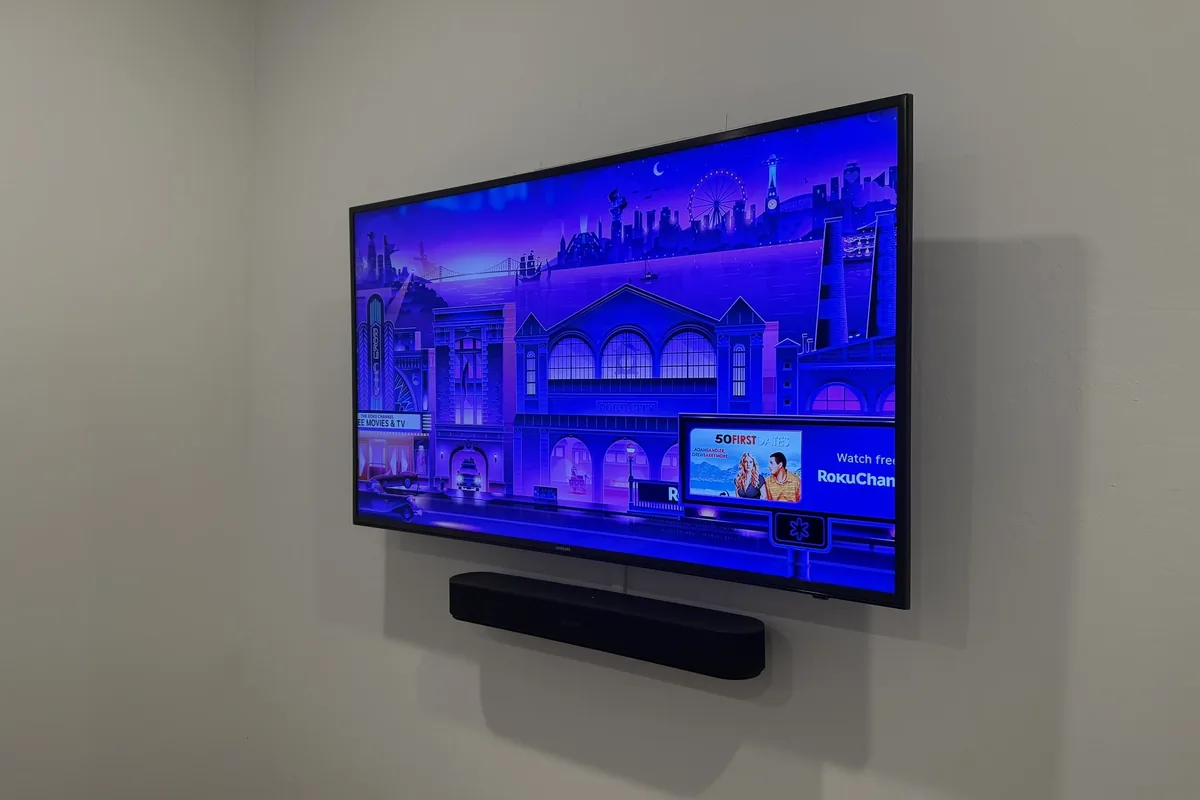
When wireless wins: single-zone setups (just a Beam + TV pairing), condos with strong dedicated WiFi, homes with UniFi networks properly configured with Sonos VLAN. If your Naples condo has a modern UniFi mesh with Cat6A backhaul to each AP, Sonos over WiFi works flawlessly.
When wired wins: whole-home multi-room (6+ zones), estates with concrete-block construction, older homes where WiFi already struggles, homes with Wave 6 or Wave 7 WiFi where Sonos hasn't caught up to the latest 6 GHz band conflicts, and any install where you want it to just work for 10 years without occasional troubleshooting.
The hybrid approach we install most often: one Sonos speaker is hardwired (typically the Sonos Arc or Sonos Amp in your equipment rack), and everything else meshes wirelessly via SonosNet. This gives you the reliability of wired without running ethernet to every speaker location. Best of both worlds for most Naples luxury homes.
Audio and listening options
Setup cost difference: wireless-only install adds no cabling cost. Hardwired SonosNet adds $150-500 depending on how many ethernet drops are needed. For estate installs where we're already pulling Cat6A for UniFi APs, the incremental cost of Sonos wired backhaul is minimal.
Our recommendation for Naples: if you have UniFi networking installed and configured properly, wireless Sonos works great. If you have consumer mesh (Eero, Nest WiFi, Google Home mesh), go wired to avoid future headaches. If you're doing new construction, always pre-wire for wired SonosNet — it costs almost nothing during framing and saves you from troubleshooting later. Book a Sonos installer Naples consultation to get a system designed for your specific home.